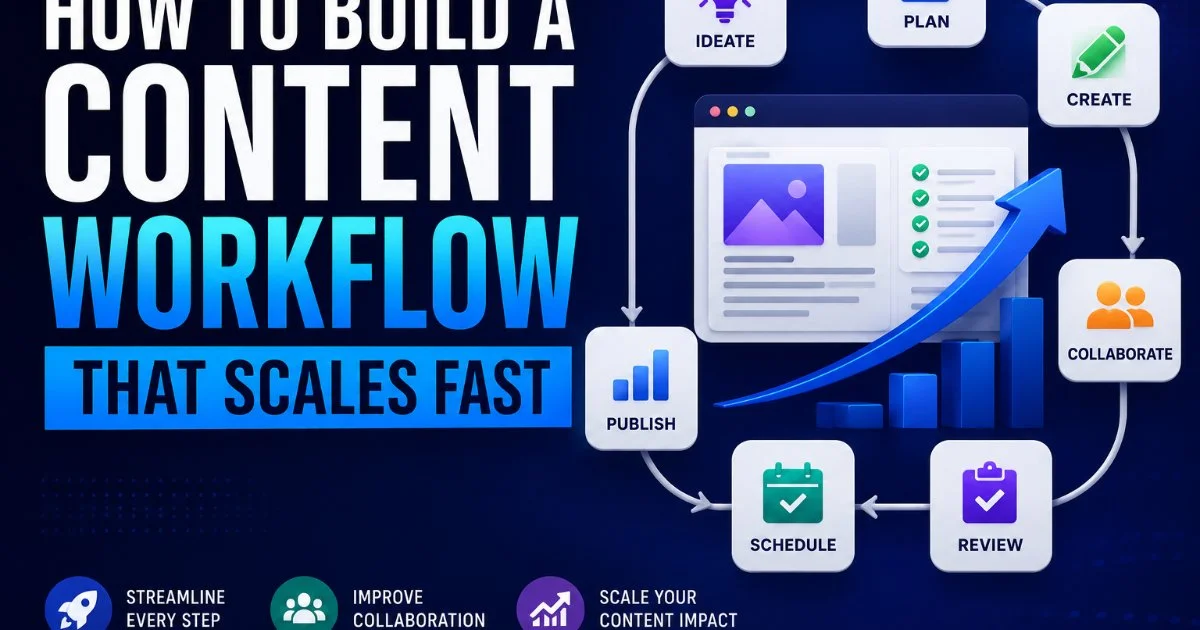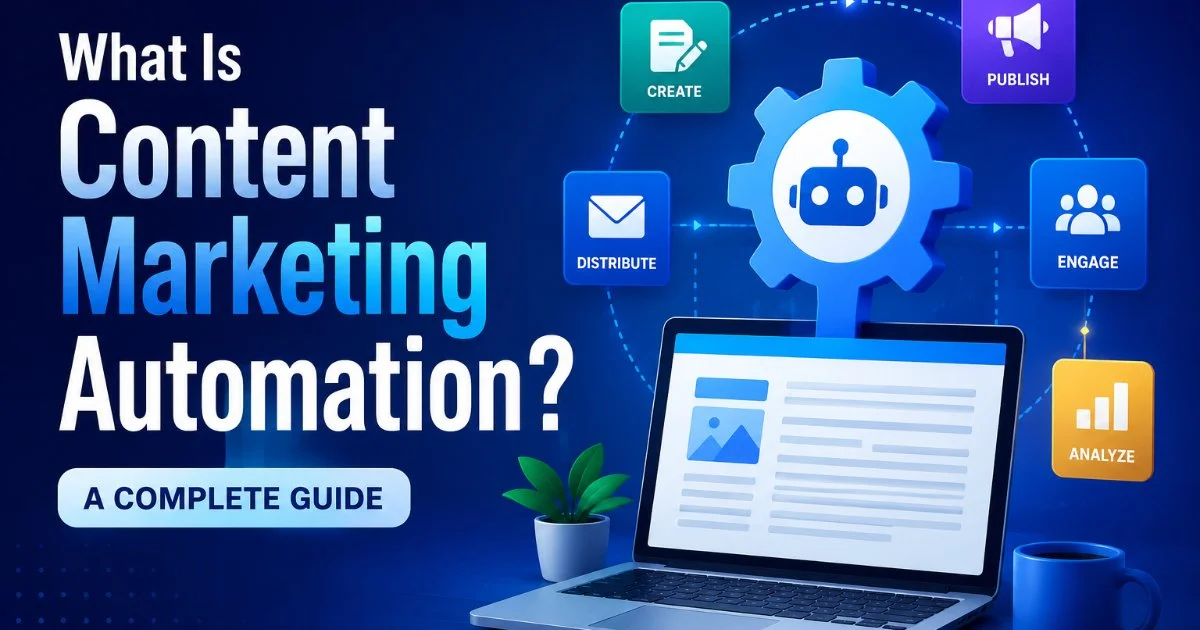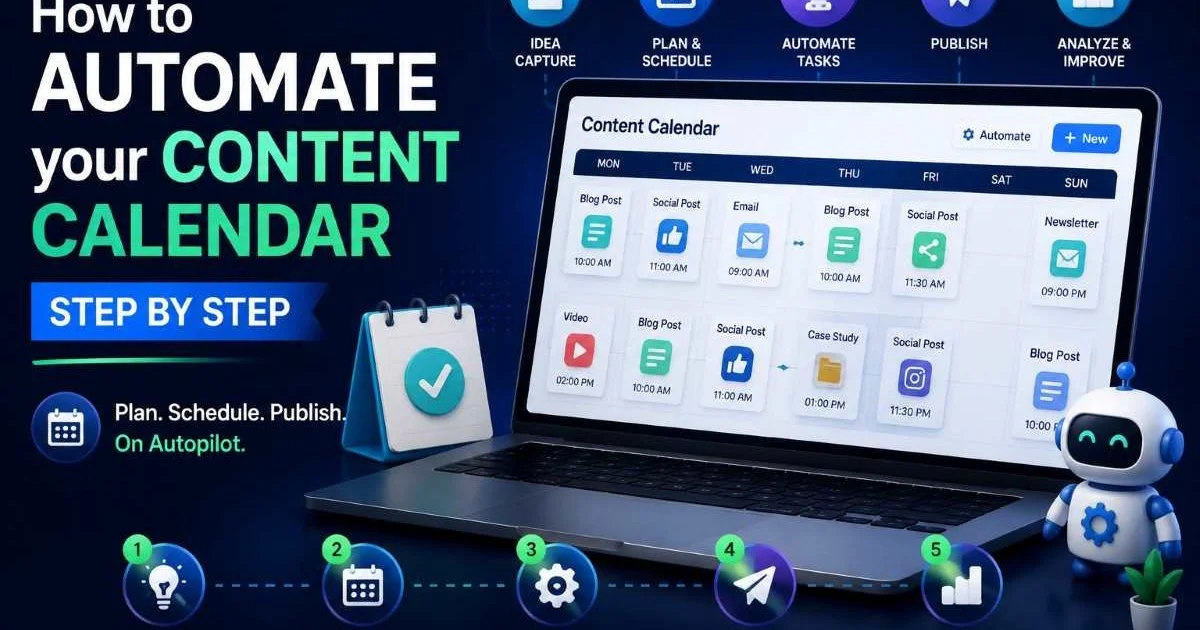
Content marketing automation transforms the way digital marketers and content creators plan, publish, and manage their editorial calendars. If you're still manually scheduling posts, copying content between platforms, and juggling spreadsheets to track deadlines, you're spending hours each week on tasks that AI content tools can handle in minutes.
An automated content workflow doesn't just save time; it reduces errors, improves consistency, and frees your creative energy for strategy and storytelling. The stakes are real: teams that adopt marketing automation report up to 451% more qualified leads, according to the Annuitas Group.
Content repurposing becomes far more practical when your calendar runs itself. This guide walks you through every step of building an automated content calendar, from auditing your current process to choosing the right tools and measuring results. Whether you manage a solo blog or coordinate a multi-channel team, these steps will get you organized fast.
Key Takeaways
- Audit your current workflow before choosing any automation tool or platform.
- Map content pillars and themes to maintain strategic focus across all channels.
- Use AI tools to generate drafts, repurpose assets, and schedule posts automatically.
- Integrate your calendar with analytics to track performance without manual reporting.
- Review and refine your automated calendar monthly to prevent content drift.
Step 1: Audit Your Current Content Workflow
Identify Bottlenecks and Redundancies
Before automating anything, you need a clear picture of what you're actually doing. Open every tool you currently use for content planning: spreadsheets, project management boards, email threads, sticky notes. List each step from idea generation through publication, and mark who owns each task. If you're unsure where content marketing automation fits into your existing process, this audit is the critical first step that reveals exactly where time is wasted.
Look specifically for bottlenecks. Common culprits include approval loops that stall posts for days, manual copy-pasting of content between platforms, and inconsistent naming conventions that make assets hard to find. A 2023 CoSchedule survey found that only 36% of marketers have a documented content strategy, which means the majority are operating on improvisation. That improvisation creates invisible friction your audit will expose.
Document Your Publishing Cadence
Write down how often you publish on each channel: blog, social media, email newsletter, podcast, video. Note whether these cadences are aspirational or actual. Many teams discover that their planned "three posts per week" has quietly slipped to one. This gap between intention and execution is precisely where automation delivers the most value. Be honest about what's happening, not what the strategy deck promises.
Create a simple spreadsheet with columns for channel, planned frequency, actual frequency, and time spent per piece. This becomes your automation baseline.
At the end of this step, you should have a documented map of your entire content process, a list of pain points ranked by severity, and a realistic snapshot of your publishing cadence. This document becomes the blueprint for everything that follows. Without it, you risk automating a broken process, which just produces broken results faster. Understanding the difference between marketing automation and content automation also helps you scope this audit correctly.
Step 2: Choose and Configure Your Automation Tools
Evaluating AI Content Platforms
Your audit reveals where automation will have the most impact. Now you need the right tools. The market for AI content tools has exploded, and not every platform fits every team. Some focus on social scheduling, others on AI-powered writing, and a few handle the full content lifecycle from ideation through analytics. When evaluating platforms, consider how well they integrate with tools you already use. A standalone scheduler that doesn't connect to your CMS creates new manual steps instead of eliminating them.
The AI model powering your tools matters more than most marketers realize. Choosing the best LLM for agents affects everything from draft quality to how well the system understands your brand voice. Look for platforms that let you customize tone, set content guidelines, and train on your existing material. For a broader comparison of what's available, explore top AI content tools for marketing teams to see how different solutions stack up against each other.
Setting Up Integrations
Once you've selected your platform, connect it to your existing stack. Most content automation tools offer integrations with Google Workspace, WordPress, Slack, and major social platforms. Set up these connections during a low-traffic period so you can test without disrupting live publishing. Pay attention to your site's technical health during setup, too; something as simple as TLS certificate errors can hurt your SEO and undermine the traffic your automated calendar is designed to drive.
Never grant full admin access to third-party tools without reviewing their security permissions first. Use role-based access controls wherever possible.
By the end of step two, you should have one primary automation platform configured, connected to your CMS and social channels, with at least one test post successfully published through the automated pipeline. If test posts look right and land on time, you're ready to build the full calendar.
Step 3: Build Your Automated Content Calendar
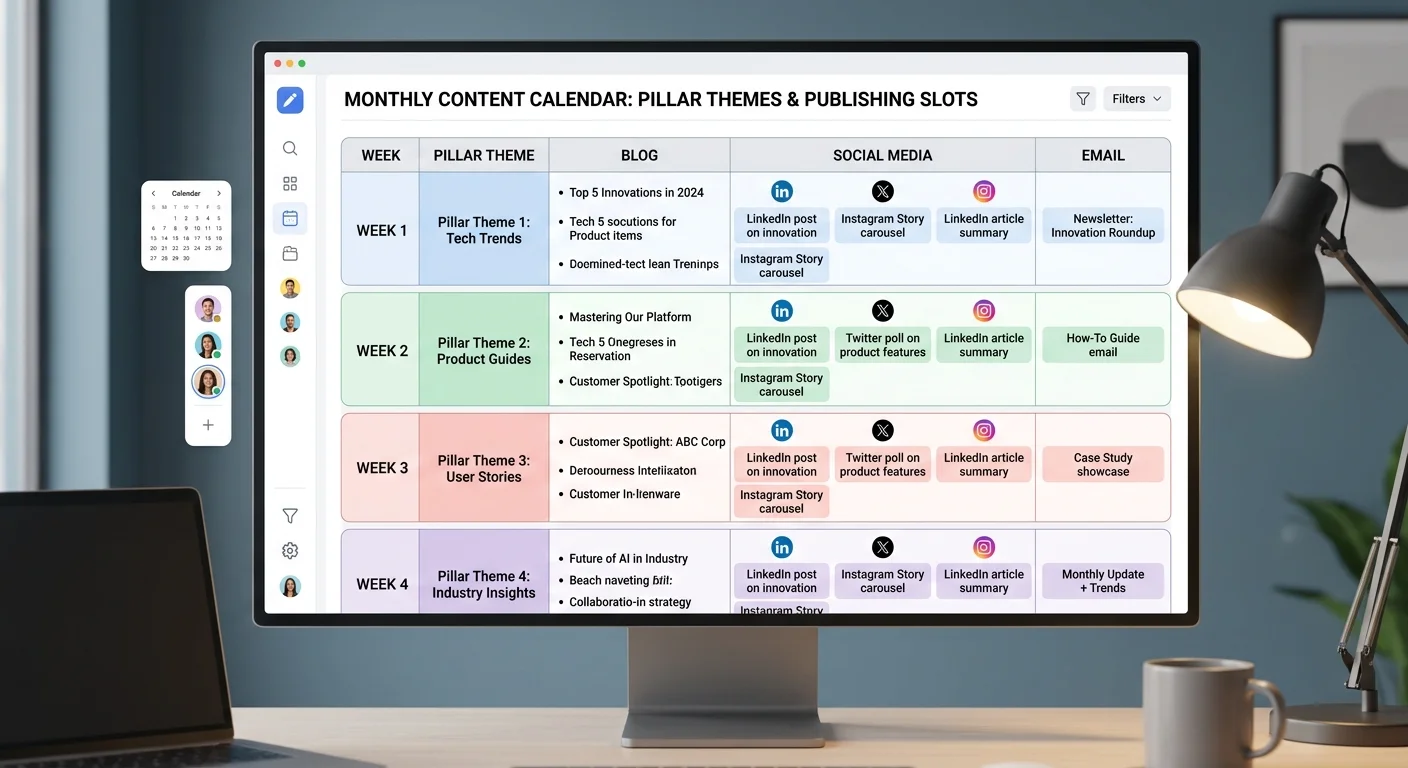
Define Content Pillars and Themes
A content calendar without a strategic backbone is just a list of dates. Before filling slots, define three to five content pillars that align with your business goals and audience needs. For example, a SaaS marketing team might use pillars like Product Education, Industry Trends, Customer Stories, and Thought Leadership. Each pillar should map to specific keyword clusters and audience segments. This structure gives your automation system the guardrails it needs to suggest relevant topics and maintain thematic balance.
Assign each pillar a publishing frequency and preferred channel. Product Education content might appear as weekly blog posts, while Customer Stories go out as monthly case studies and social proof snippets. This mapping prevents the common mistake of publishing whatever feels urgent rather than what strategically matters. When your calendar template reflects these pillar-channel assignments, the automation tool can auto-populate slots and flag gaps before they become missed deadlines.
Automate Scheduling and Repurposing
Here's where the real efficiency gains appear. Configure your tool to automatically generate derivative content from each primary asset. A single blog post can become three social media posts, one email newsletter segment, and a short video script. This is content repurposing at scale, and it multiplies your output without multiplying your workload. Set rules for timing: social posts might go out the day of publication, three days later, and again the following week.
Schedule recurring content types on autopilot. Weekly roundups, monthly performance reports, and seasonal campaigns should have templates pre-loaded in your calendar. The automation platform fills in dynamic data (latest blog links, top-performing posts, upcoming events) and queues them for review. Your role shifts from content producer to content editor, which is a far better use of your expertise.
| Day | Channel | Content Type | Pillar | Automation Level |
|---|---|---|---|---|
| Monday | Blog | Long-form article | Product Education | AI draft + human edit |
| Tuesday | Social | Blog promotion (3 variants) | Product Education | Fully automated |
| Wednesday | Newsletter segment | Industry Trends | Template + auto-fill | |
| Thursday | Social | Engagement post | Thought Leadership | AI draft + human edit |
| Friday | Blog | Customer story | Customer Stories | Interview template |
Not everything should be fully automated. Keep human review on any content that represents your brand voice directly, like thought leadership and customer stories.
At this step's end, you should have a fully populated calendar for at least one month, with automated repurposing rules active, recurring templates loaded, and each slot tagged to a content pillar. Test the system by letting it run for one full week before committing to a longer period.
Step 4: Measure, Optimize, and Maintain Your Content Workflow
Track the Right Metrics
Automation without measurement is just scheduled chaos. Connect your content calendar to analytics dashboards that track the metrics tied to your goals. For awareness content, watch traffic and impressions. For engagement, monitor comments, shares, and time on page. For conversion-focused content, track click-through rates and lead generation. Most automation platforms offer built-in reporting, but integrating Google Analytics or your preferred analytics suite gives you deeper, more customizable insights.
Pay special attention to the performance gap between automated and manually created content. If AI-generated social posts consistently underperform human-written ones, that signals your prompt templates or brand voice settings need refinement. Conversely, if automated email subject lines outperform your manually crafted ones, lean into that strength. The data should guide where you invest human creativity and where you trust the machine.
"The goal of content calendar automation isn't to remove humans from the process; it's to put humans where they add the most value."
Monthly Review Process
Block 90 minutes at the end of each month for a calendar review. Pull up your content performance data alongside your editorial calendar. Ask three questions: Which pillars drove the most results? Which automated workflows produced the lowest quality? Where did the schedule break down? These answers feed directly into next month's adjustments. Shift publishing frequency toward high-performing pillars. Rewrite underperforming templates. Fix any integration failures that caused missed posts.
Keep a running "automation log" where you note what broke, what surprised you, and what you changed. After three months, patterns emerge that dramatically improve your system.
Content drift is the silent killer of automated calendars. Without regular review, your calendar slowly disconnects from your strategy as audience interests shift and business priorities evolve. Monthly reviews prevent this drift by forcing strategic realignment. They also give you a chance to add seasonal content, respond to industry changes, and retire topics that no longer serve your audience.
After completing this step, you should have analytics dashboards connected to your calendar, a documented monthly review process, and at least one round of optimizations based on real performance data. Your content workflow is now a living system that improves with every cycle, not a static plan gathering dust in a forgotten spreadsheet.
Frequently Asked Questions
?How do I find bottlenecks during a content workflow audit?
?Is a dedicated AI content tool better than adding automation to my spreadsheet?
?How long does setting up an automated content calendar actually take?
?Will automating my calendar cause content to feel generic or off-brand?
Final Thoughts
Automating your content calendar is not a one-time project but an ongoing practice that matures alongside your marketing strategy. Start with a thorough audit, pick tools that genuinely fit your workflow, build a pillar-driven calendar structure, and commit to monthly reviews.
The teams that succeed with content marketing automation are the ones that treat the system as a collaborative partner, not a replacement for strategic thinking. Your automated calendar should give you more time to think, experiment, and create content that genuinely resonates with your audience.
Disclaimer: Portions of this content may have been generated using AI tools to enhance clarity and brevity. While reviewed by a human, independent verification is encouraged.